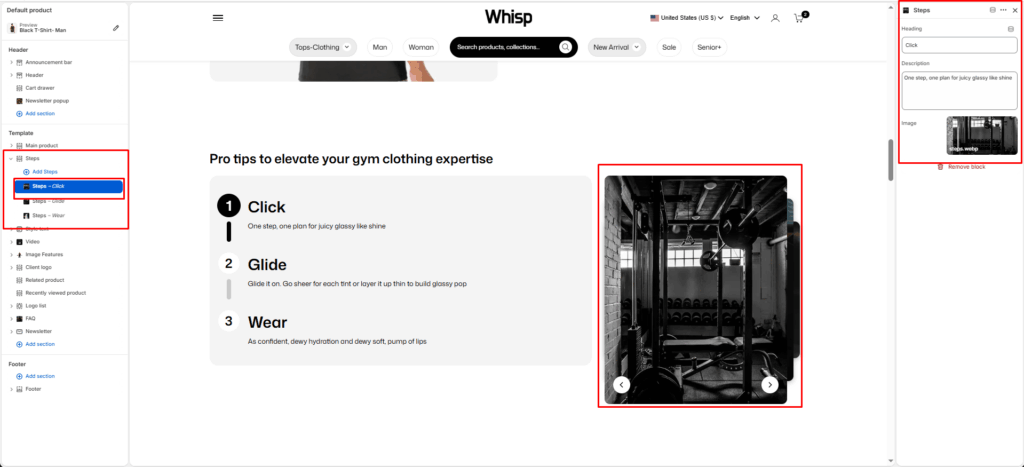
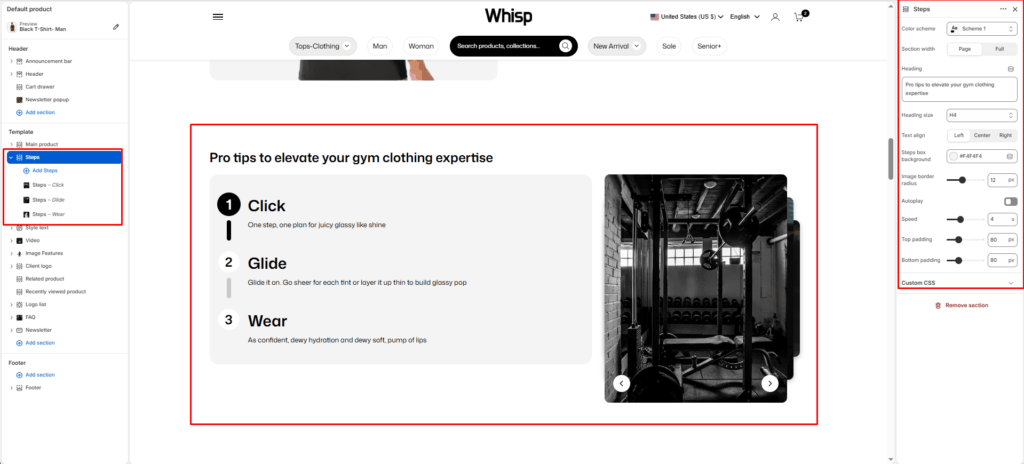
The Steps is designed to present a numbered, step-by-step process in a clean two-column layout, pairing instructional content on the left with a rotating image slideshow on the right.
Section Settings
Color scheme
Choose the color scheme that matches your site design. This affects text and button colors over the section.
Section width
Choose how wide the section appears on the page:
- Page–keeps the video within the page content width.
- Full–expands the video to full browser width.
Heading
Add a main heading for the section.
Heading size
Select a heading size from theme-defined options such as h1, h2, h3, h4, h5, and h6.
Text Align
Controls the alignment of the section heading and text.
- Left
- Center
- Right
Steps box background
Set the background color of the steps content box.
Image border radius
Adjust the corner roundness of the slideshow image using a slider (in pixels).
Autoplay
Toggle to enable or disable automatic image slideshow playback.
Speed
Set the speed of the image slideshow transition in seconds.
Top Padding / Bottom Padding
Adjusts vertical spacing above and below the section.
Block Settings
Each Steps block represents a single numbered step in the process.
Image
Upload a visual representation for that specific step.
Heading
The name of the step.
Description
The main paragraph or supporting text under the heading.