The Contact form section allows customers to reach out directly through your website. It includes customizable text content, contact fields, and optional image and info blocks for better presentation.
Section settings
Color scheme
Choose a predefined color style from your theme’s color options.
Section width
Controls the section layout width. Options: Page, Full, or Narrow.
Subheading
A short text shown above the main heading, usually a small introduction like “Get in Touch.”
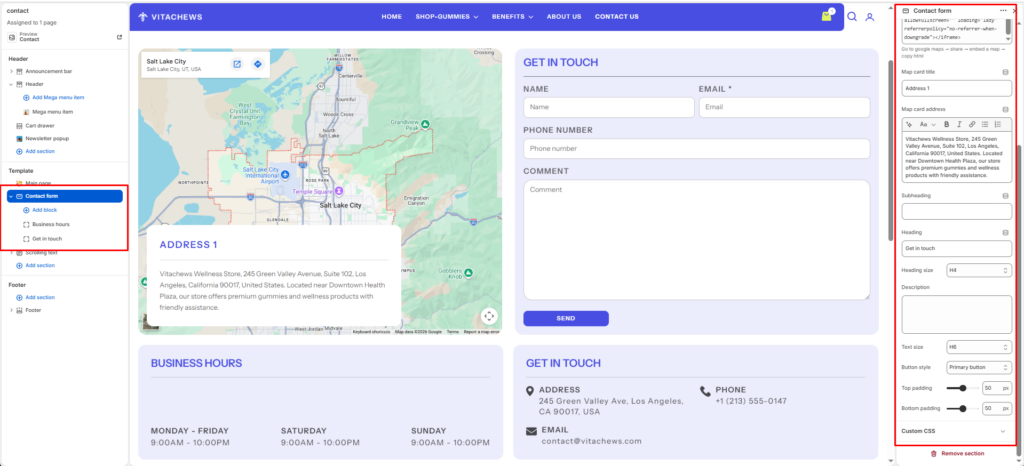
Heading
The main title for the section, such as “Let’s Chat, Reach Out to Us.”
Heading size
Selects the heading level (H1-H6). Use H2 or H3 for balance in design.
Description
Add a supporting paragraph under the heading. Example: “Have questions or feedback? We’re here to help. Send us a message, and we’ll respond within 24 hours.”
Text size
Adjusts the font size of the description text.
Button style
Lets you select a predefined button style.
Top padding
Adds vertical space above the section content. Value in pixels.
Bottom padding
Adds vertical space below the section content. Value in pixels.
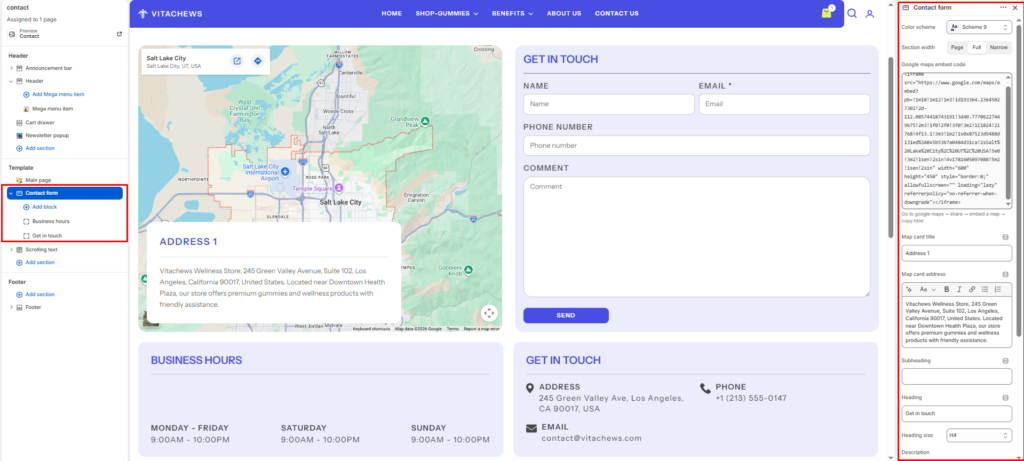
Google maps embed code
Paste the Google Maps embed iframe code to display your store location. You can generate this by selecting Share → Embed a map in Google Maps.
Blocks settings
Map card
Displays a floating information card over the embedded Google Map.
Map card title
Enter the heading displayed on the information card, such as Address or Our Store.
Map card address
Add your complete business address or store description. Rich text formatting is supported.
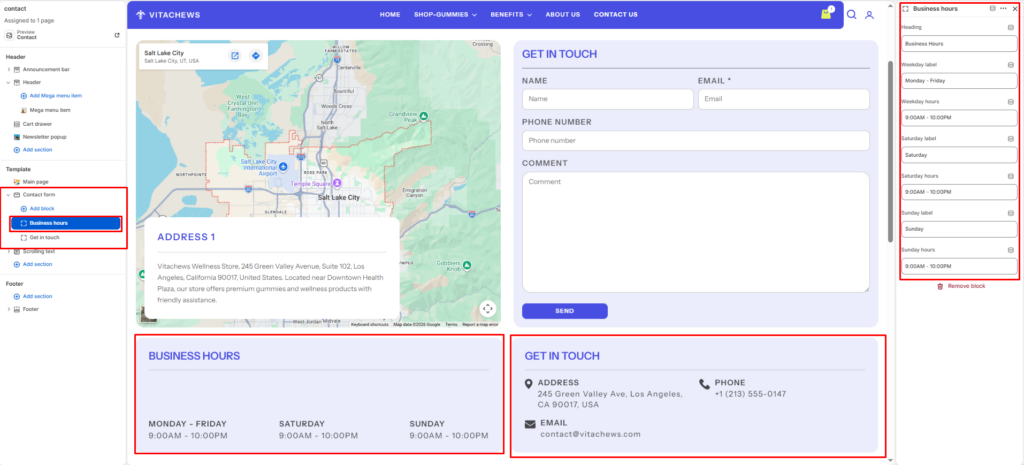
Business hours
Displays your store’s opening hours.
Heading
Enter the title displayed above the business hours.
Weekday label
Specify the weekday range (for example, Monday – Friday).
Weekday hours
Enter the business hours for weekdays.
Saturday label
Enter the Saturday label.
Saturday hours
Specify the opening hours for Saturday.
Sunday label
Enter the Sunday label.
Sunday hours
Specify the opening hours for Sunday.
Get in Touch
Displays your store’s contact details with icons.
Heading
Enter the heading displayed above the contact information.
Address
Add your business address.
Phone
Enter your primary contact number.
Enter the customer support or business email address.